BricsCAD Mechanical
2D & 3D Mechanical CAD to document manufacturing processes.
Price starting from €998/year
* Free 30-day trial, no credit card required.
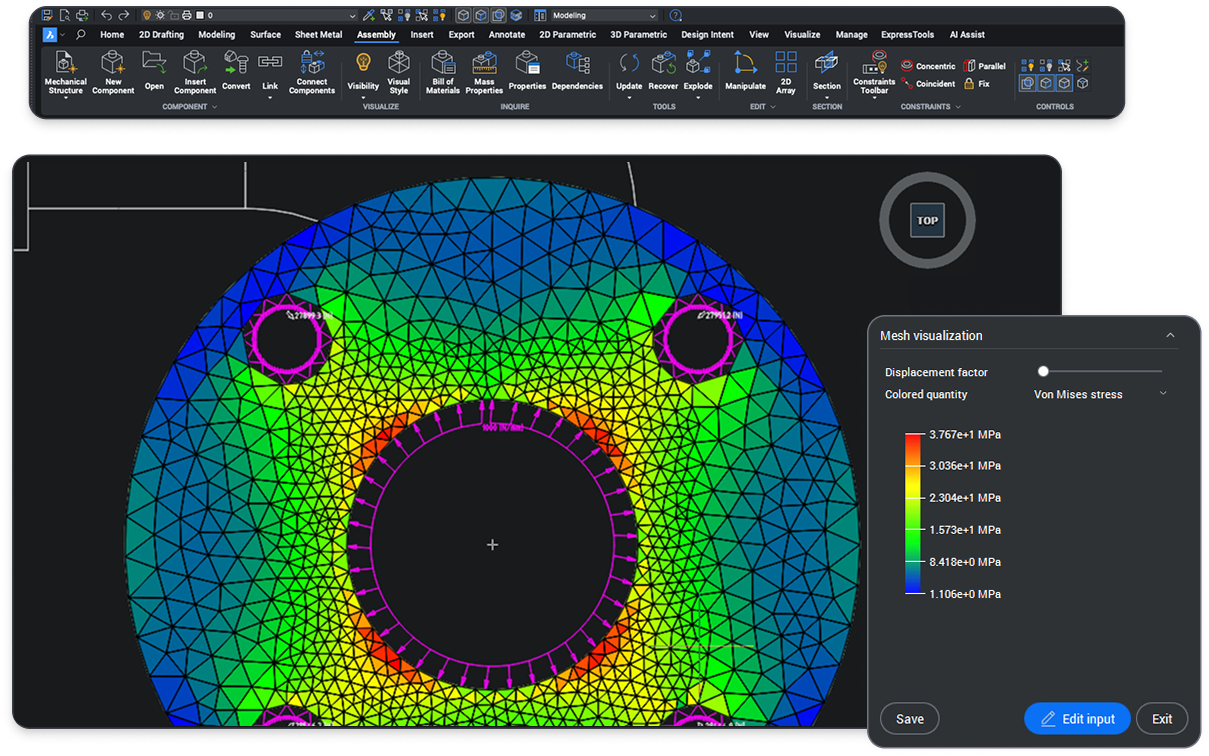
INCLUDED TOOLSETS
DWG-based CAD platform for mechanical design

Mechanical tools
Create 3D assemblies and 2D detailed documentation of manufactured products.

Design for Manufacturing and Assembly (DFMA) Tools.
Mechanical tools
Mechanical tools
Create 3D assemblies and 2D detailed documentation of manufactured products.
Design for Manufacturing and Assembly (DFMA) Tools.
2D Drafting
3D Modeling








BENEFITS
The fastest path to complete and accurate production materials
For creating 3D assemblies and 2D detailed documentation of manufactured products.
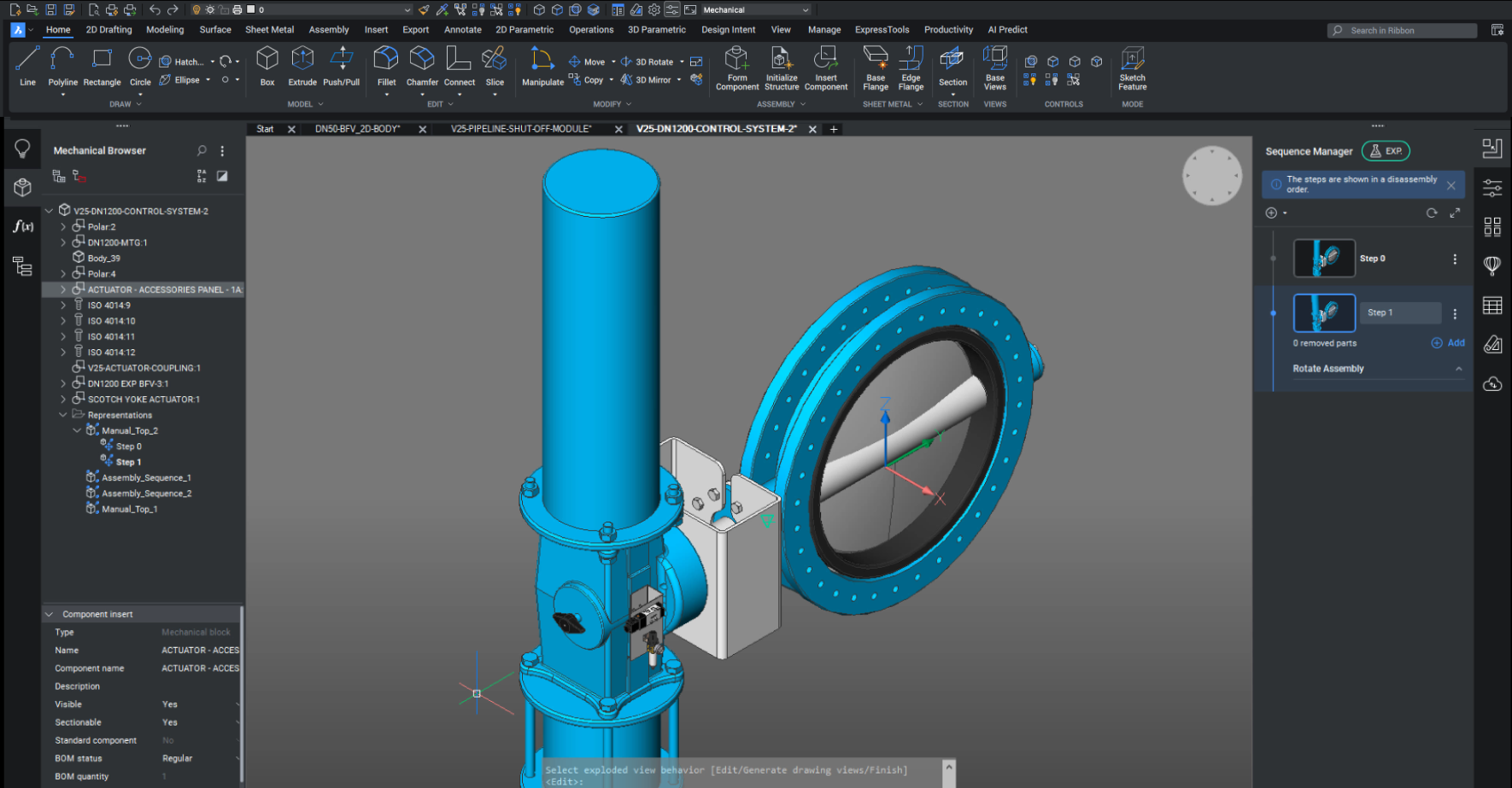

Fully compatible with industry-standard DWG
Easily open, edit, and reuse metadata and features in legacy CAD drawings, such as parts list and references, symbols, and annotations.

Mechanical Browser
Quickly view and modify parametric properties of mechanical parts and assemblies from a central panel.

Parametric standard parts
Build from a library of 30,000 standard mechanical components of 800+ different types, all with customizable parameters.

Bottom-up and top-down assembly design
Create complex hierarchies of parts and sub-assemblies using bottom-up or top-down design methods.
CAPABILITIES
What can you do with BricsCAD Mechanical?
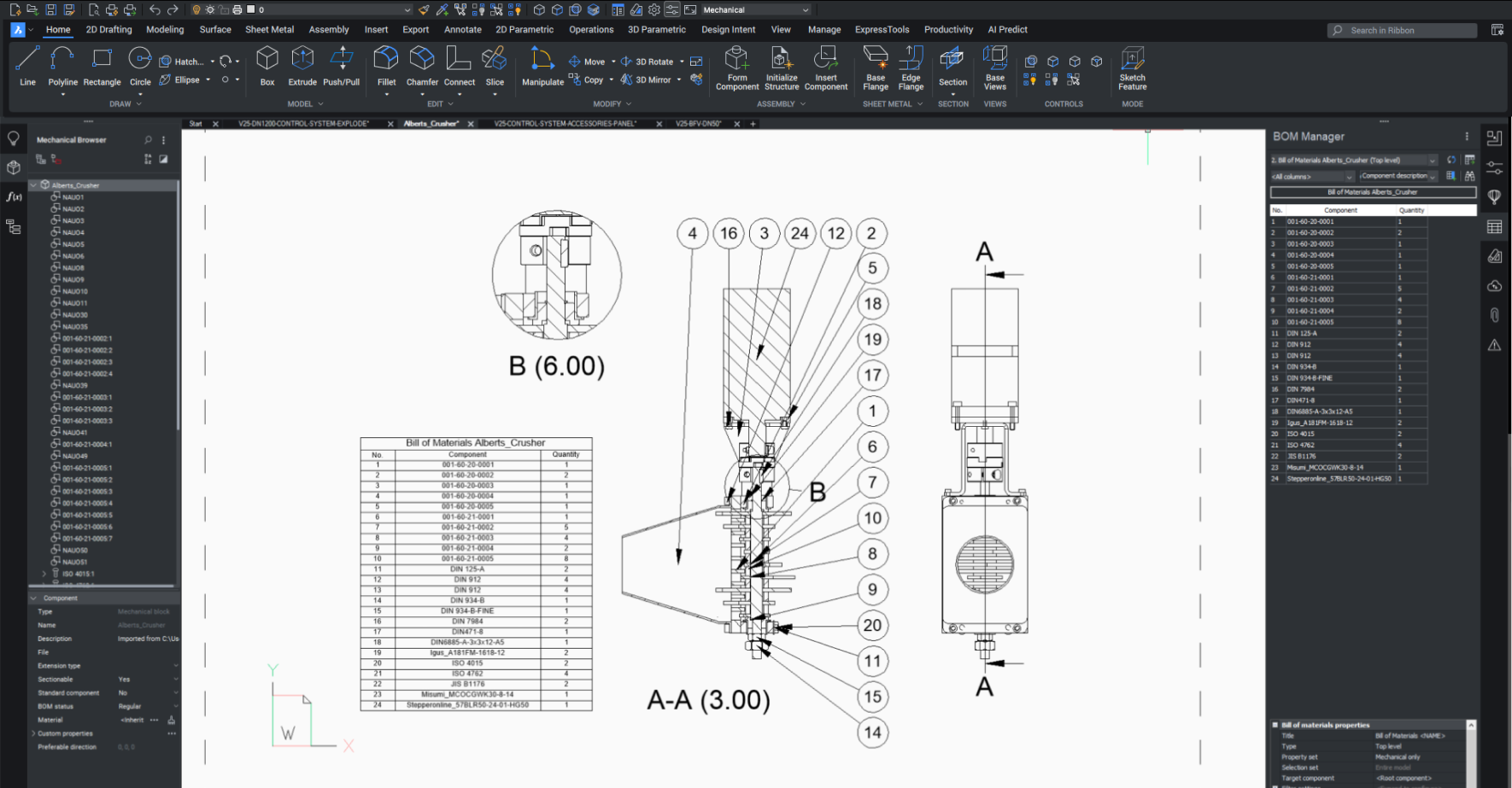
Generate fully associative BOMs
Create BOM and part lists automatically using the Block and Part Reference data.
Automatically convert 3D entities to sheet metal
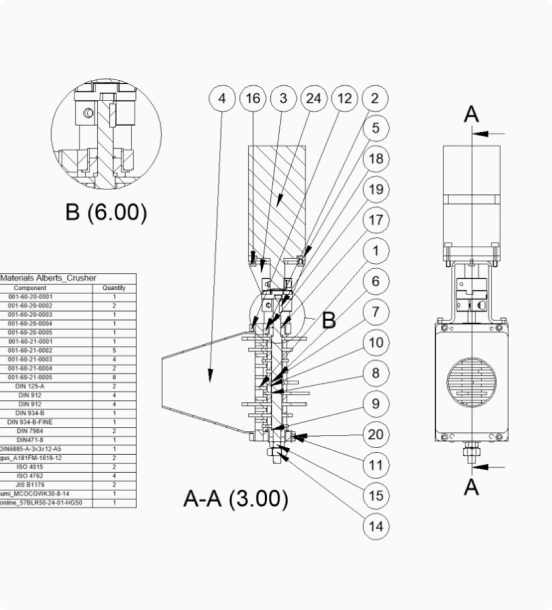
Translate 3D models to 2D documentation
Assembly inspection toolkit
ADD-ON
Communicator for BricsCAD
High-fidelity 3D CAD import/export
Seamlessly import models from other major CAD tools with this add-on
BUY BRICSCAD
All our CAD software





CUSTOMERS
Leading companies trust Bricsys
 Source: www.g2.com/bricscad


“BricsCAD Mechanical has enabled our team to set even higher standards for structural and mechanical drawings.”
Melvin Hamar de la Brethonière - Engineer

“The best method is to explore the 3D models with Communicator for BricsCAD to understand how to create (designs) effectively.”
Marcus Funk - Systems Administrator and Software Developer


“By fully automating (our files) with BricsCAD, we achieve short delivery times and improve customer satisfaction."
Masafumi Nakaseko - Assistant Manager of the Metal Forming Department
30 day trial
Start designing in BricsCAD today!
